
Git Pal
Git in your flow, not in your way
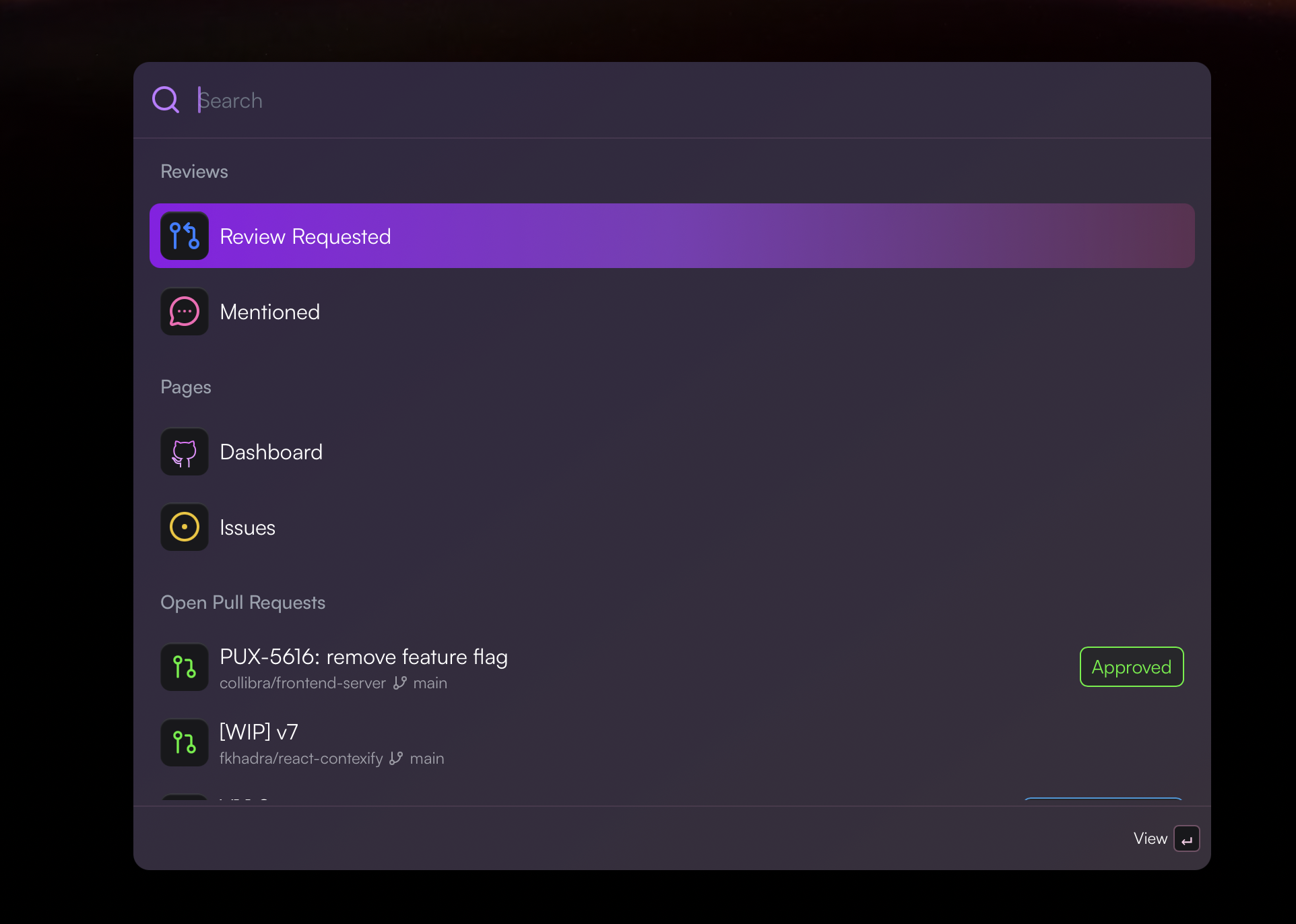
A beautiful command palette for GitHub. Quickly access your pull requests, repositories, and workflows without leaving your keyboard.
Installation
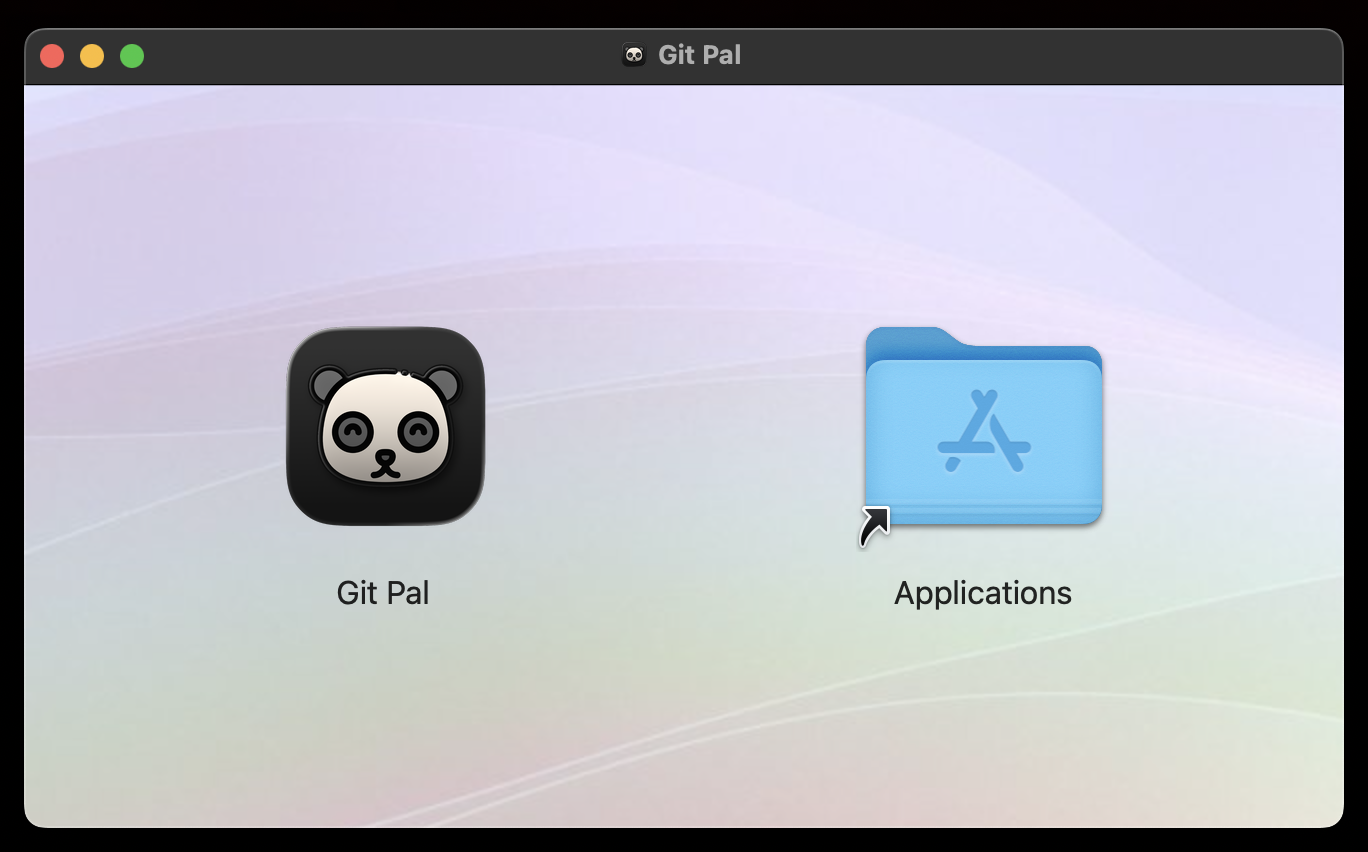
Download the DMG file
Click the download button above to get the Git Pal installer.
Drag to Applications
Open the DMG and drag Git Pal into your Applications folder.
Launch and enjoy
Open Git Pal from Applications.
Features
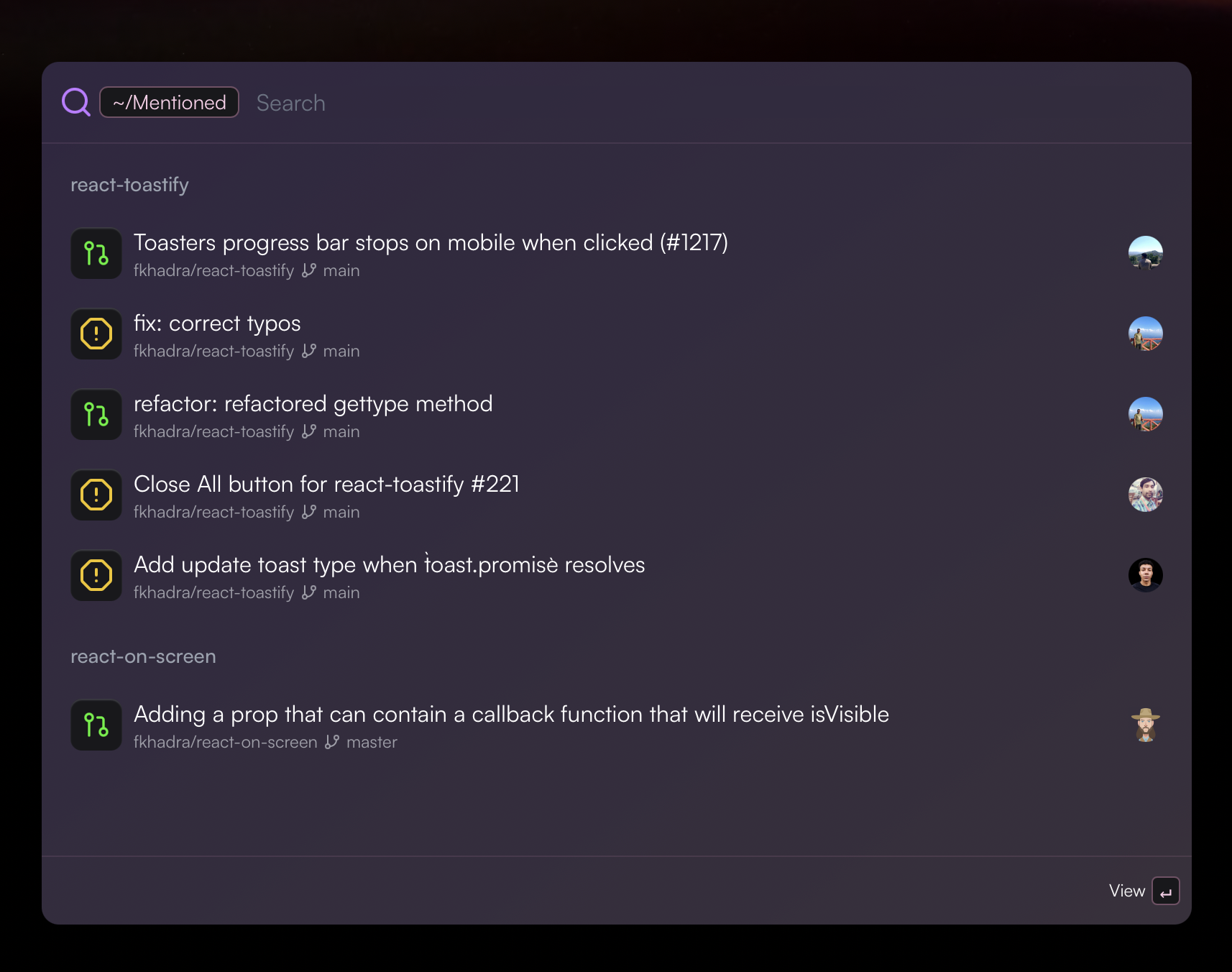
Pull Requests & Mentions
See review requests and mentions in one centralized place. Never miss an important PR again.
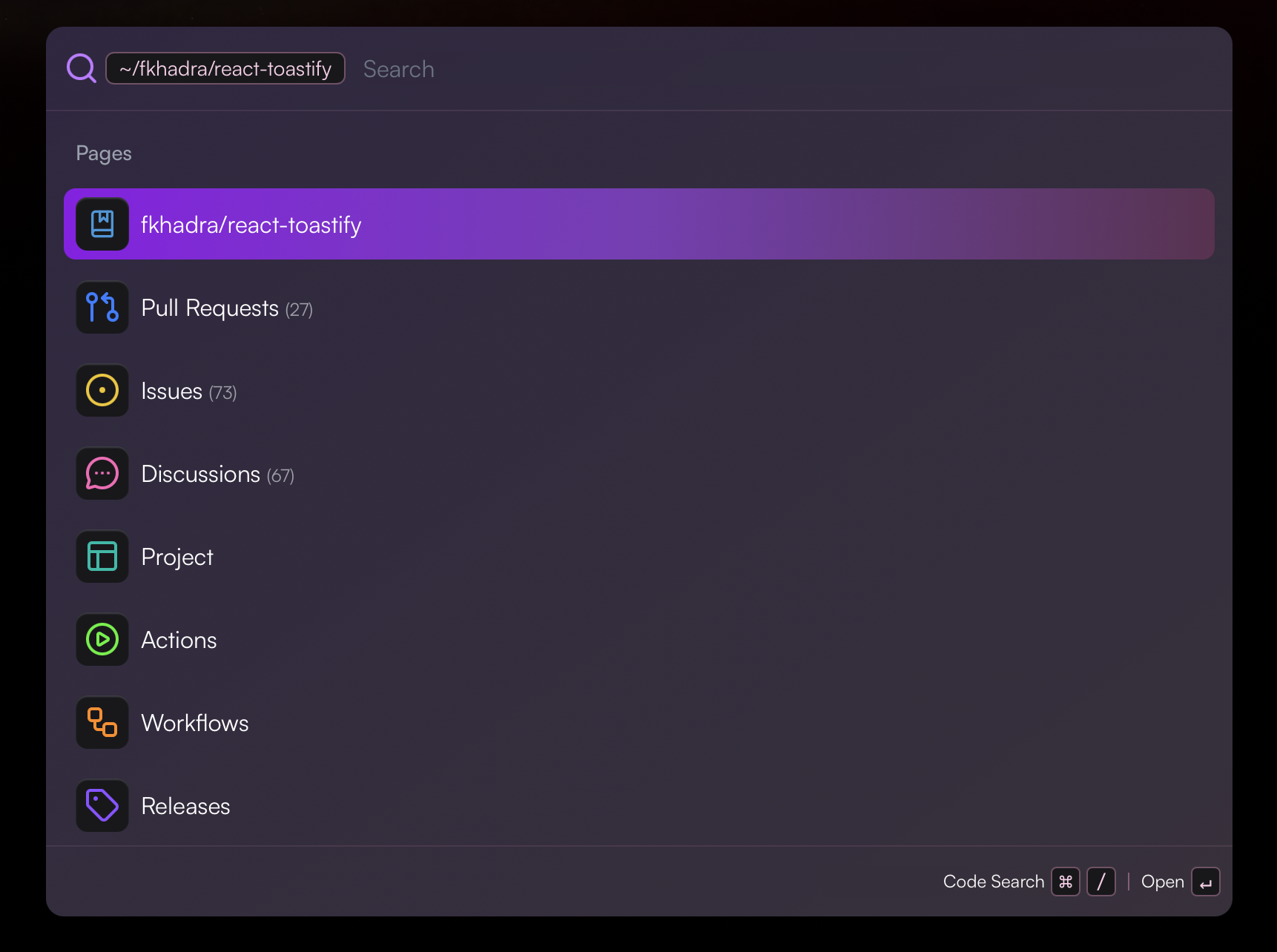
Repository Browser
Browse your repositories and organizations. Access pull requests, issues, discussions, workflows, and more.
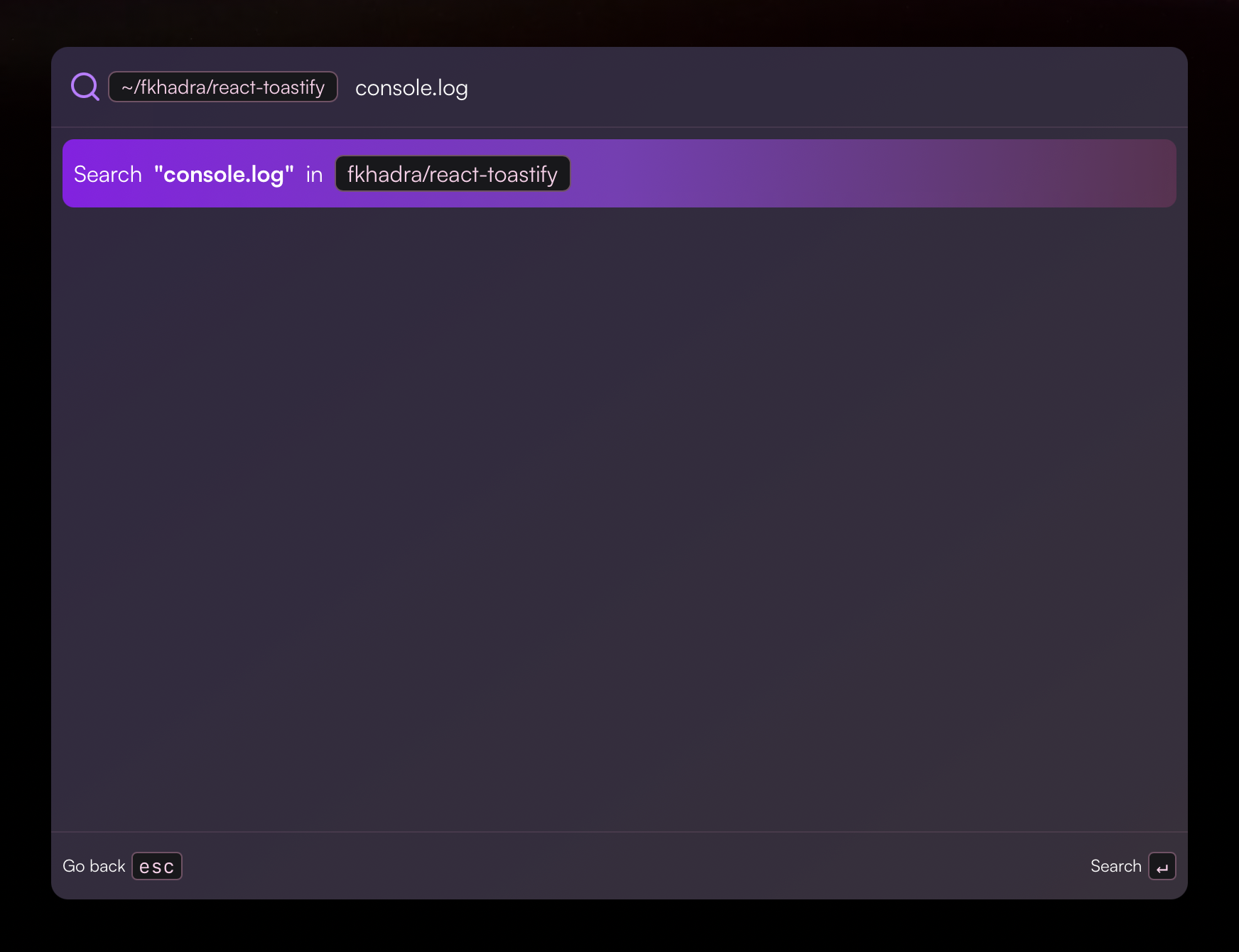
Code Search
Search code across your repositories powered by GitHub's search. Find what you need instantly.
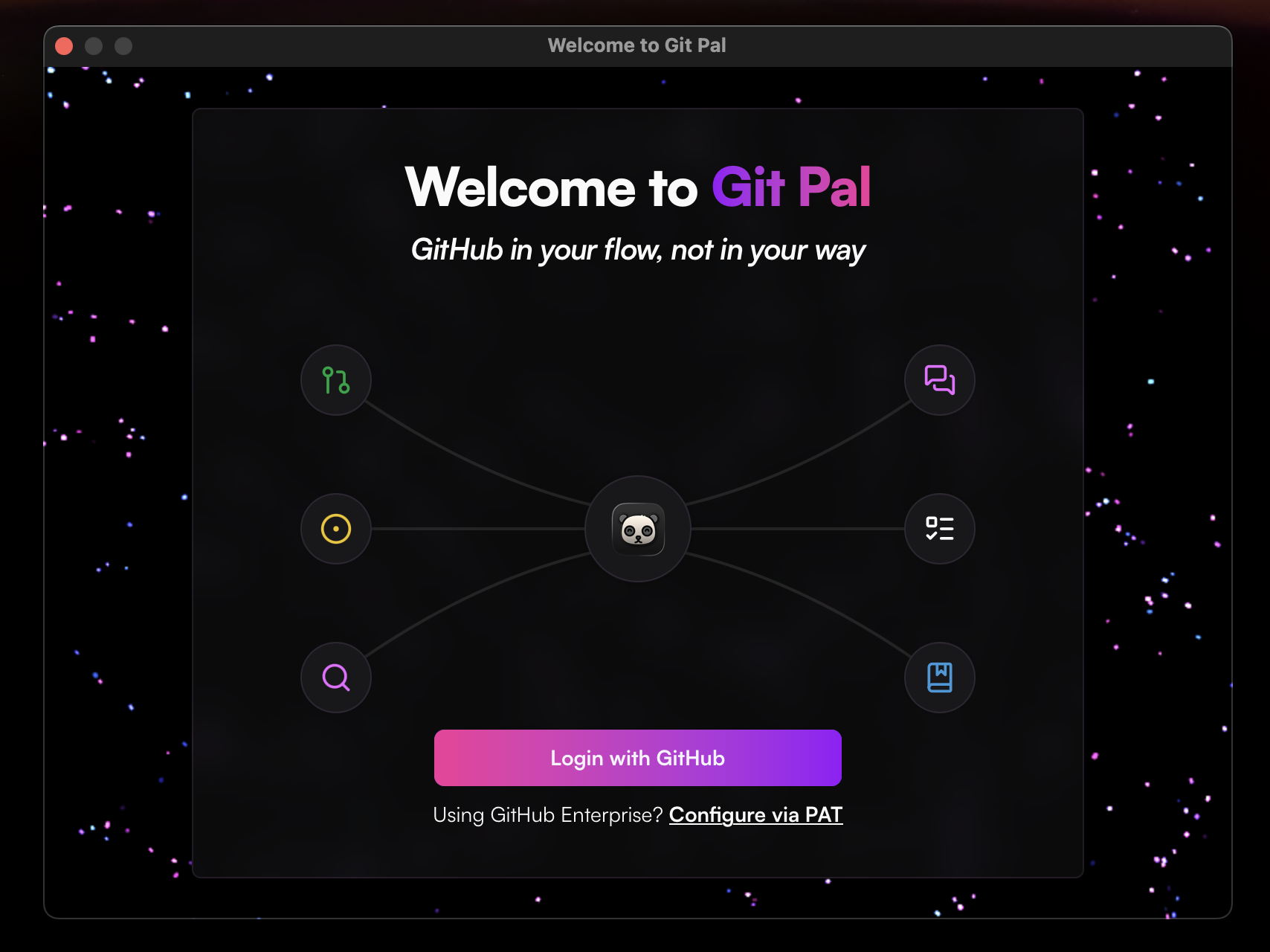
GitHub Integration
Seamless OAuth authentication with support for GitHub Enterprise via personal access tokens.
FAQ
Why does it ask me for my password on the first launch?
The app stores the OAuth token inside the system keychain to keep your credentials secure. macOS requires your password to authorize access to the keychain on first use.
Can I change the shortcut?
Yes, you can change the shortcut from the settings.
Why don't I see the organizations I belong to?
You have to authorize the organization. This is done via your GitHub developer settings. For GitHub Enterprise, use the PAT if OAuth apps are not configured.
Is my data secure?
Git Pal only stores the settings under ~/.config/git-pal. Everything stays on your machine, there are no telemetry.
Does it support GitHub Enterprise?
Yup, the most straightforward way is to connect using a PAT.
How do I update the application?
Once a new version is available, the app will display a button to install it.
How do I send feedback?
In the settings, there is a section dedicated to it.